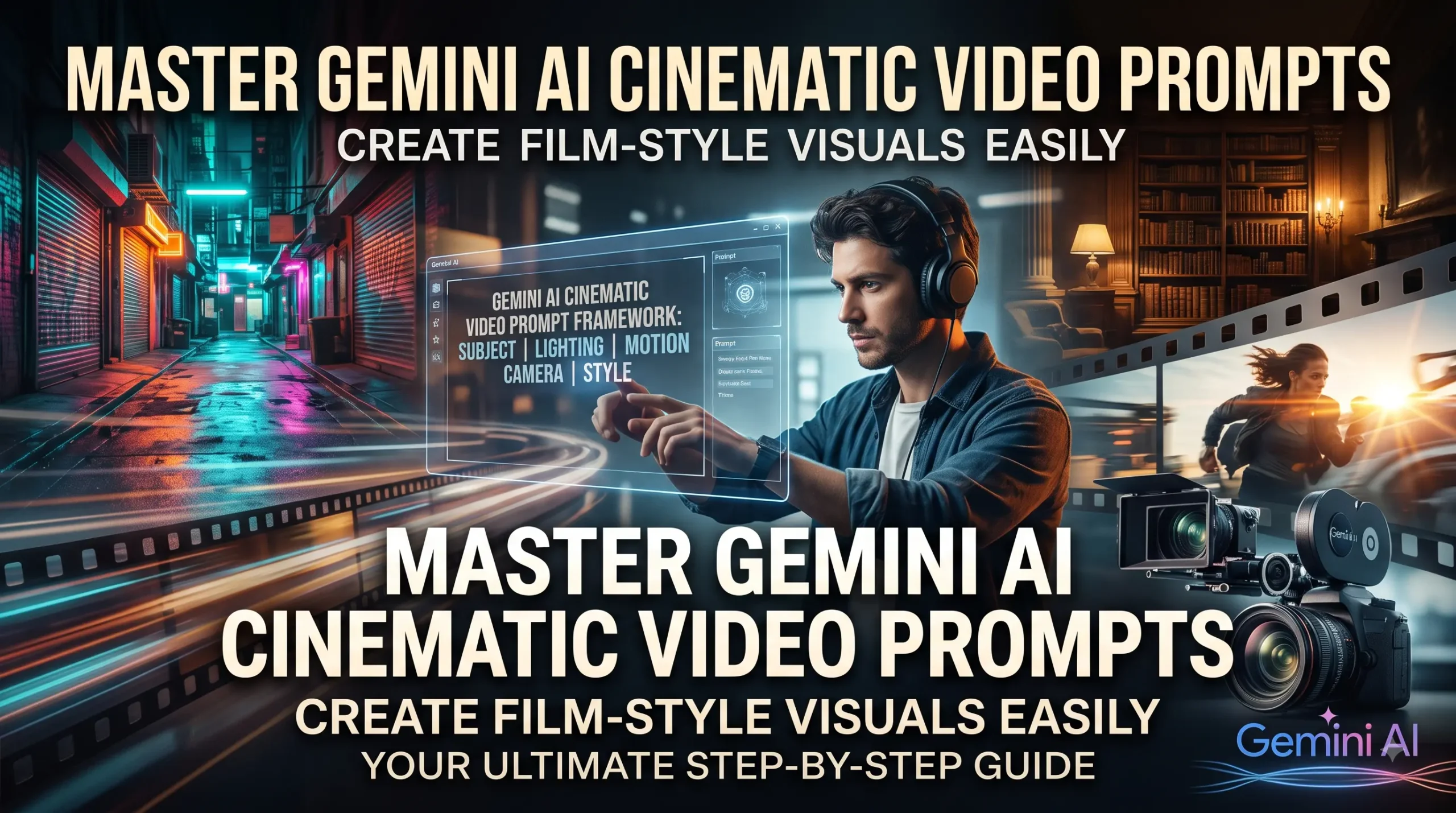
Most creators have experienced this frustration: you imagine a grand, moody sequence with dramatic lighting and steady camera movement, but when you enter a basic description into an AI tool, the result looks flat, rubbery, or generic. Making AI-generated footage look like a frame from an actual film requires more than just adding the word “cinematic” to your prompt.
Understanding how to construct a Gemini AI cinematic video prompt bridges the gap between a vague idea and an evocative, director-grade shot. Whether you want to assemble visual concepts for a film pitch, create engaging video assets for social media, or illustrate scenes for a multimedia project, fine-tuning your descriptive language makes all the difference.
What Is a Gemini AI Cinematic Video Prompt?
A Gemini AI cinematic video prompt is a structured text description designed to guide Gemini in generating rich visual cues, detailed storyboard descriptions, and specialized motion prompts tailored for text-to-video engines.
Instead of writing simple commands like “a man walking in the rain,” a cinematic prompt breaks the visual scene down into specific cinematic parameters:
- Camera motion (panning, tracking, slow zoom, drone shot)
- Lens properties & framing (wide shot, 35mm lens, shallow depth of field)
- Lighting style (chiaroscuro, golden hour, moody rim lighting, neon reflection)
- Pacing and subject action (deliberate motion, subtle micro-expressions, atmospheric movement)
Gemini acts as a visual director. It takes a raw creative concept and expands it into precise technical terminology that video generation models interpret with greater consistency.
Why Use Gemini to Build Video Prompts?
Creating video with generative AI is far more sensitive to phrasing than generating static images. If a prompt lacks direction regarding movement or perspective, AI engines often introduce awkward warping, morphing limbs, or static, lifeless frames.
1. Precise Composition Control
When you ask Gemini to structure your scene, you can specify camera equipment, aspect ratios, and focal lengths. Describing a scene using terms like anamorphic lens flare or wide-angle low-angle perspective gives the visual generator clear anchors.
2. Consistency for Storyboarding and Pre-production
If you are planning an independent short film, an advertising storyboard, or an illustrated project, Gemini helps keep visual continuity across multiple scene prompts. You can define a character’s wardrobe, lighting style, and environmental color palette once, then ask Gemini to create consecutive scene descriptions within those exact boundaries.
3. Saving Time on Trial and Error
Randomly guessing keywords inside video generation tools burns compute credits quickly. Using Gemini to pre-build descriptive, structured prompts ensures fewer failed generations and cleaner motion dynamics from the start.
How Cinematic Video Prompting Works
Generative video models do not “understand” stories the way humans do; they recognize patterns tied to visual terminology.
When you feed a prompt into an AI video workflow, the system reads your input across two layers:
[Spatial Information: Setting, Subject, Composition, Lighting]
                             +
[Temporal Information: Motion Speed, Subject Action, Camera Path]
A standard text prompt only provides spatial details. A cinematic prompt explicitly commands temporal changes—telling the engine what moves, in which direction, and at what speed.
How to Build a Powerful Gemini AI Cinematic Video Prompt
To consistently generate compelling, movie-quality scenes, structure your prompts using a clear five-part framework.
Step 1: Establish the Subject and Environment
Start with specific subjects rather than generic terms. Avoid writing “a detective in an alley.” Use descriptive, visual nouns that ground the subject.
- Basic: A vintage sports car driving at night.
- Cinematic: A dark green 1970s Alfa Romeo speeding down a winding coastal highway along damp asphalt.
Step 2: Define the Lighting and Color Tone
Lighting conveys the emotional weight of a shot. Identify the primary light sources, color temperatures, and shadow distribution.
- Mention key lighting terms: harsh overhead tungsten light, diffused morning sunlight through mist, soft rim lighting, natural neon reflections.
- Specify color grading palettes: warm amber tones, teal and orange grade, desaturated monochrome with deep blacks.
Step 3: Direct the Camera Movement
Specify how the camera moves relative to the subject. Camera direction prevents the model from generating accidental distortions.
- Static shots: Fixed tripod shot, wide establishing shot.
- Tracking shots: Slow tracking dolly shot moving parallel to the subject.
- Vertical shots: Low-angle crane shot slowly elevating to reveal the skyline.
Step 4: Describe Micro-Movements and Atmospheric Details
Scenes feel artificial when the background remains frozen. Mention secondary movement to make the video feel alive.
- Examples: steam rising from manhole covers, dust motes drifting across light beams, gentle fabric flutter in the breeze, subtle raindrops hitting puddle surfaces.
Step 5: Specify the Cinematic Look
Add photographic details that establish the format:
- Film stock & rendering: 35mm film grain, anamorphic widescreen, soft motion blur, realistic focal roll-off.
Practical Examples and Prompt Comparisons
Here is how basic ideas transform into cinematic video prompts using this approach:
Example 1: The Cyberpunk Marketplace Scene
Weak Prompt:
A futuristic street market at night with neon lights.
Cinematic Video Prompt:
Wide-angle tracking shot gliding through a crowded, rain-slicked alley market in Neo-Tokyo. Blue and magenta neon signs reflect off wet pavement. A street vendor stirs a steaming pot of noodles, with thick vapor drifting through warm overhead lanterns. Anamorphic lens flare, shallow depth of field, 24fps filmic cadence, dark moody atmosphere.
Example 2: The Historical Drama Portrait
- Weak Prompt: An old scholar reading a book in a library.
- Cinematic Video Prompt:Intimate medium close-up of an elderly scholar turning the yellowed page of an ancient leather-bound manuscript. Soft morning sunlight streams through tall stained-glass windows, illuminating floating dust particles. Slow, subtle push-in camera movement. Rich chiaroscuro lighting, deep shadows, 50mm lens perspective, photorealistic textures.
Example 3: The High-Octane Action Shot
Weak Prompt:
Fast car driving through the desert.
Cinematic Video Prompt:
Low-angle dynamic tracking shot skimming just above red desert sand as an off-road buggy speeds past. Plumes of fine dust kick up toward the lens, backlit by a blazing sunset horizon. Fast shutter speed, cinematic motion blur on wheels, wide 24mm focal length, vivid warm color grade.
Best Practices for Better AI Video Results
- Keep subject movements simple: AI handles one or two coordinated movements much better than complex choreography.
- Avoid negative descriptors in motion: Instead of writing “the car does not stop,” write “the car continues moving forward at a steady speed.”
- Use pacing words intentionally: Words like gradual, slow drift, subtle, steady, and fluid reduce visual artifacts compared to erratic descriptors.
- Lock your style keywords: When building an entire sequence, keep terms like “35mm film grain” and “teal-and-orange grade” identical across all prompts to maintain visual consistency.
Common Mistakes to Avoid
- Overloading the Prompt with Action: Asking for three separate actions in one 4-second clip (e.g., “he opens the door, runs down the stairs, and jumps into a car”) causes visual morphing. Stick to one clear movement per shot.
- Forgetting Camera Perspective: If you do not specify camera distance (close-up, wide shot, aerial), the AI picks randomly, often giving you awkward mid-range compositions.
- Relying Solely on Buzzwords: Stacking buzzwords like “ultra 8k, hyper-realistic, octane render” adds clutter without providing meaningful visual direction. Specific lighting and lens instructions yield far better results.
Final Thoughts
Creating cinematic visual sequences with generative AI does not require an expensive production budget, but it does demand clear direction. When you treat your Gemini AI cinematic video prompt as a digital director’s sheet—specifying lighting, lens choice, camera movement, and atmosphere—the generated results shift from generic clips to compelling visual storytelling.
Experiment with different camera paths and lighting setups in your prompts to discover unique styles for your projects. If you are looking for ready-to-use formulas and creative setups for your next video or image project, explore our collection of AI prompts and adapt them to match your vision.
FAQ Section
1. What makes an AI video prompt truly “cinematic”?
A cinematic prompt specifies traditional filmmaking elements such as camera focal length, specific camera motion (e.g., dolly, pan, crane), controlled lighting styles (like chiaroscuro or golden hour), and deliberate environmental mood, rather than relying on generic adjectives.
2. Can Gemini create prompts for tools like Runway, Pika, or Sora? Yes. You can use Gemini to draft and refine scene descriptions, which you can then copy and paste directly into text-to-video tools like Runway Gen-2/Gen-3, Pika Labs, Luma Dream Machine, or OpenAI Sora.
3. Why does my generated video have strange visual glitches?
Glitches typically happen when a prompt asks for too much complex physical movement in a single shot. To fix this, simplify the subject’s action and focus on subtle movements combined with steady camera tracking.
4. How do I maintain the same character across multiple video prompts?
Describe your character’s key features (clothing, hair, age, distinctive accessories) using the exact same descriptive block across all your prompts, while only changing the camera angles, background actions, and lighting setups.
5. Should I specify camera lenses like 35mm or 85mm in Gemini prompts?
Yes. Specifying focal lengths helps the AI understand the field of view and depth of field you want. A 24mm or 35mm lens creates a wider cinematic view, while an 85mm lens creates a tight shot with a softly blurred background.